




|
 Boundary Waters Quetico ForumTrip ReportsHaving Problems Saving a Trip Report?
|
Author
Text


02/01/2010 08:53AM
Hi Folks,
If you run into problems saving a trip report, let me know.
A few people have ran into issues posting trip reports where they experience a long delay in the saving of the report and eventually they just get back an error message or timeout.
start techno babble:
The general cause of this is there is firewall protection against hackers who attempt to corrupt the database of internet sites. This firewall looks for keywords which might imply such a message is a hacking attempt. Having certain words in a trip report in sequence such as "create", "where", "select", "into", "insert", etc, trigger the issue and the page doesn't come back with a nice friendly message either.
"Wait a minute Adam" -- how did you just type those words in sequence in this message? Adam - I used some html trickery.
- Adam
If you run into problems saving a trip report, let me know.
A few people have ran into issues posting trip reports where they experience a long delay in the saving of the report and eventually they just get back an error message or timeout.
start techno babble:
The general cause of this is there is firewall protection against hackers who attempt to corrupt the database of internet sites. This firewall looks for keywords which might imply such a message is a hacking attempt. Having certain words in a trip report in sequence such as "create", "where", "select", "into", "insert", etc, trigger the issue and the page doesn't come back with a nice friendly message either.
"Wait a minute Adam" -- how did you just type those words in sequence in this message? Adam - I used some html trickery.
- Adam
Reply
Reply with Quote
Print
Top
Bottom
Previous
Next


06/02/2010 04:49PM
Adam,
Can you say how to find a trip report you saved for future editing? I'm probably dense, but can't seem to find a way to keep editing something I started earlier today.
UPDATE - never mind. Got it. Go to my.bwca.com and find the link.
Can you say how to find a trip report you saved for future editing? I'm probably dense, but can't seem to find a way to keep editing something I started earlier today.
UPDATE - never mind. Got it. Go to my.bwca.com and find the link.
Wherever there is a channel for water, there is a road for the canoe. -Thoreau
06/25/2010 12:35PM
Adam, I finished my trip report and selected publish but it's telling my my trip report is not complete enough to view. Yet it still published 2 threads for my report, both are unviewable??? Everything is completed. Any help??!! Thanks!
"The fish and I were both stunned and disbelieving to find ourselves connected by a line." - William Humphrey
06/25/2010 04:06PM
Hi Folks,
I have resolved another issue with trip reports which appeared to be happening to people in firefox. Let me know if your trip reports now save or if you run into other issues.
This may have also made images not come through properly in firefox.
Adam
09/04/2010 10:43AM
Adam,
I am trying to post a trip report and some (though not all) of my photobucket images won't publish (it says they are deleted or unavailable). I checked my photobucket account and all images are current -and even are up just fine on another forum.
I have reposted the html code for the suspect images, but I still have the same problem. Any help?
Thanks!
Jerry (OneMatch)
I am trying to post a trip report and some (though not all) of my photobucket images won't publish (it says they are deleted or unavailable). I checked my photobucket account and all images are current -and even are up just fine on another forum.
I have reposted the html code for the suspect images, but I still have the same problem. Any help?
Thanks!
Jerry (OneMatch)
We all have to believe in something. I believe I'll go paddle.
09/15/2010 03:14PM
Oops, I was not signed in . . . About mid-day the "save photo" feature began to "hang up." I just tried it again at 3 PM CDT and it still does not work. --OldGreyGoose
Soloing is sweet, but a good partner is "priceless."
09/15/2010 04:05PM
Tried switching to IE browser (I always use Firefox) but results were the same. Photo will not "save." (Wow it's interesting how different the report looks when viewed in another browser.) Oh well . . . I'll try again tomorrow, maybe. --Goose
Soloing is sweet, but a good partner is "priceless."
06/27/2011 12:33PM
Adam, My trip report in-the-works(unpublished)* shows all my photos small size with the text, but at day 7 they stop being able to be opened in large format, and when you mouse over them you get nothing. I tried some things on my end, but problem still exists. Any suggestions? --OGG
*http://www.bwca.com/index.cfm?fuseaction=trip.report_view&sel_trp_id=2483
*http://www.bwca.com/index.cfm?fuseaction=trip.report_view&sel_trp_id=2483
08/18/2011 07:51PM
Hey Admin Adam,
I don't exactly see how to enter a trip report in the trip report contest. Are all trip reports published during a month entered for that month's trip report contest?
Thanks
I don't exactly see how to enter a trip report in the trip report contest. Are all trip reports published during a month entered for that month's trip report contest?
Thanks
“What lies behind us and what lies before us are tiny matters compared to what lies within us.” Ralph Waldo Emerson...and...“Peace is that brief glorious moment in history when everybody stands around reloading".
09/01/2011 02:30PM
Hi
I would like to create a trip report but I am unsure how to go about doing so. Should I just include the report in the same way I am entering this message? Or is there a way to create the link that every trip report has? Can you please provide a step by step guide on how to do this? I am sure it is simple enough but I don't want to paste my entire trip report in the body of the message. Thanks in advance.
I would like to create a trip report but I am unsure how to go about doing so. Should I just include the report in the same way I am entering this message? Or is there a way to create the link that every trip report has? Can you please provide a step by step guide on how to do this? I am sure it is simple enough but I don't want to paste my entire trip report in the body of the message. Thanks in advance.
09/13/2011 07:40PM
quote Claudio: "Hi
I would like to create a trip report but I am unsure how to go about doing so. Should I just include the report in the same way I am entering this message? Or is there a way to create the link that every trip report has? Can you please provide a step by step guide on how to do this? I am sure it is simple enough but I don't want to paste my entire trip report in the body of the message. Thanks in advance. "
Claudio
Just above the trip report forum page you will see a link for 'Create Trip Report" That should show you the way.
“What lies behind us and what lies before us are tiny matters compared to what lies within us.” Ralph Waldo Emerson...and...“Peace is that brief glorious moment in history when everybody stands around reloading".
10/27/2011 10:19AM
Adam, as a feature request, would this be possible: Have the board automatically include the EP# in the trip report subject line? It would make browsing for reports by EP easier.
Is there some other way to easily browse reports via EP# that I'm missing?
Andrew
Is there some other way to easily browse reports via EP# that I'm missing?
Andrew
“If more of us valued food and cheer and song above hoarded gold, it would be a merrier world.” ~J.R.R. Tolkien, The Hobbit
04/10/2012 04:02PM
When the web site clean-up and archiving was done a couple months ago, were the trip reports shortened? I just read mine and the last half or so is now missing. Any reason for this? Just curious. Can I edit the missing part back in?
Thanks
Just checked some others and there are some a lot longer with write-ups and pictures so now I am really wondering what happened to my report. I will try to re-do it later this evening and hopefully it all works. Very strange.
Thanks
Just checked some others and there are some a lot longer with write-ups and pictures so now I am really wondering what happened to my report. I will try to re-do it later this evening and hopefully it all works. Very strange.
“What lies behind us and what lies before us are tiny matters compared to what lies within us.” Ralph Waldo Emerson...and...“Peace is that brief glorious moment in history when everybody stands around reloading".
09/06/2012 07:34AM
I have an unpublished Man Chain report that does not show my additions after part way through Day 6. I just spent an hour or so adding Day 7, but it won't show. What's up? --Goose
Soloing is sweet, but a good partner is "priceless."
06/04/2013 06:32PM
Adam et al,
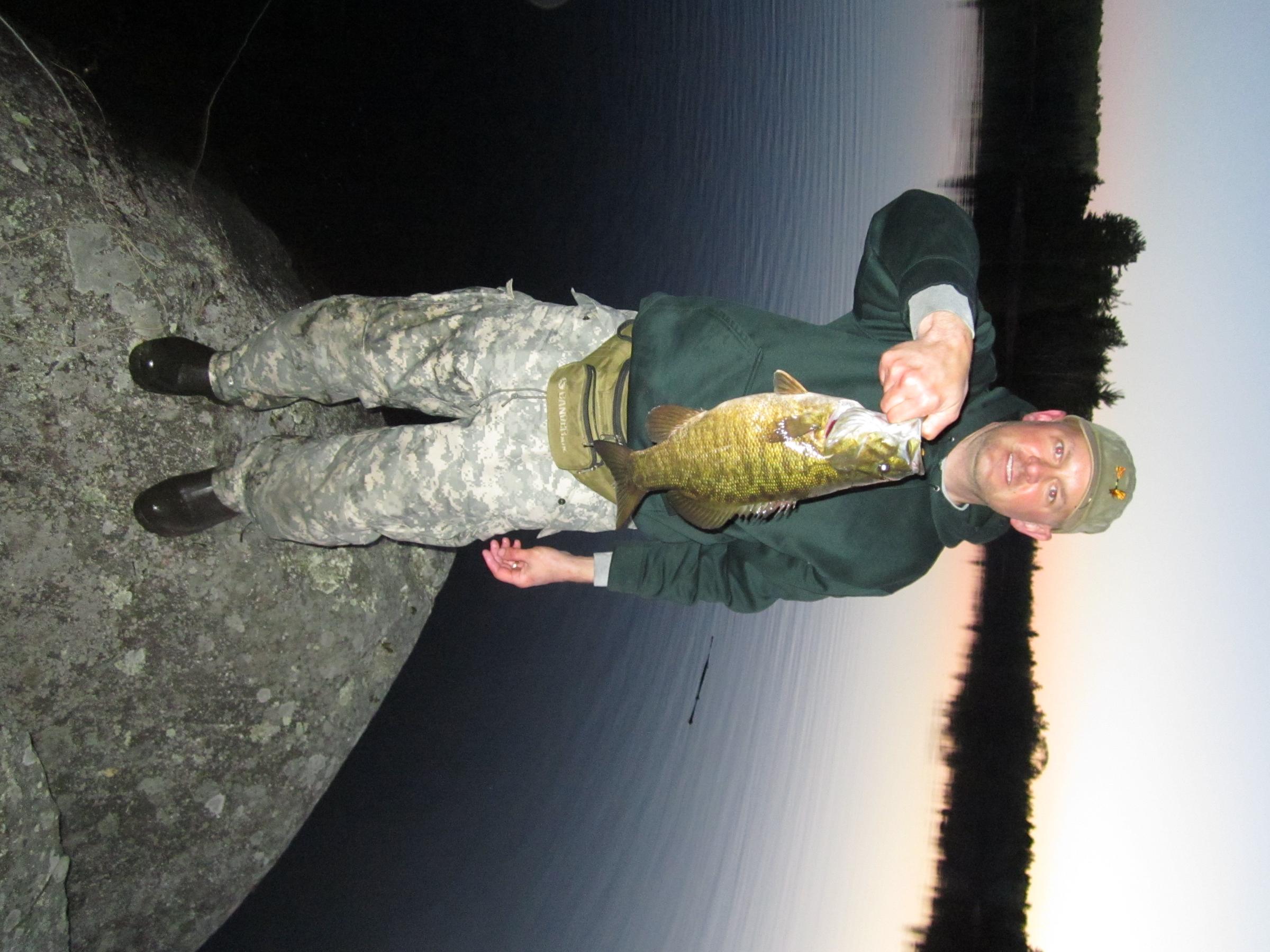
I am loading photos to my trip report and have no issues when they have a landscape orientation. But anytime I try to load a photo that has a portrait orientation it loads as a landscape and there doesn't seem to be any way to rotate it. If the pics need to be sideways, I guess it's not the end of the world, but am I totally missing something? The pic below is an example of what I'm talking about.
I am loading photos to my trip report and have no issues when they have a landscape orientation. But anytime I try to load a photo that has a portrait orientation it loads as a landscape and there doesn't seem to be any way to rotate it. If the pics need to be sideways, I guess it's not the end of the world, but am I totally missing something? The pic below is an example of what I'm talking about.
"While Jesus can make you wonderfully happy, he has no intention of making you normal." Erwin McManus
06/08/2013 09:13AM
GrandMaster Adam,
I recently created a trip report that had quite a few pictures downloaded into it. It seemed to work out fine until I "published" it and on day 4 of the trip I get little photo icons instead of the photos.
In my original submission I had those photos entered in the wrong day and did copy/paste into where I wanted them and then deleted those where I screwed up. I figured that may have been the problem so I deleted them again and went through the regular download process for my Day 4. I get the little icons again. When clicked on they provide a picture but I'd love to have the little thumbnails for folks to see and click on as they wish because the photo interests them.
Definitely not a techno wizard on this end.
Bapabear
I recently created a trip report that had quite a few pictures downloaded into it. It seemed to work out fine until I "published" it and on day 4 of the trip I get little photo icons instead of the photos.
In my original submission I had those photos entered in the wrong day and did copy/paste into where I wanted them and then deleted those where I screwed up. I figured that may have been the problem so I deleted them again and went through the regular download process for my Day 4. I get the little icons again. When clicked on they provide a picture but I'd love to have the little thumbnails for folks to see and click on as they wish because the photo interests them.
Definitely not a techno wizard on this end.
Bapabear
My superhero name is TYPOMAN. Writer of wrongs.
06/30/2013 09:36AM
Adam,
Can I publish my incomplete trip report, and then edit it to add days over a period of time? I've got it done through day 5, but I'm going back to work, and don't know how long it will take to get the other 8 days completed.
Thanks,
Tony
Can I publish my incomplete trip report, and then edit it to add days over a period of time? I've got it done through day 5, but I'm going back to work, and don't know how long it will take to get the other 8 days completed.
Thanks,
Tony
You cannot hope too much or dare too much. - R.W. Emerson
08/12/2014 02:49PM
Hey again!
I have tried several times to paste the embedded video and it doesn't seem to be working. I also accidentally "published" my report and I am not ready to publish it yet. Is there anyway you can undo that without losing what I have been working on?
Sorry for the inconvenience!
Thanks again,
Joni
I have tried several times to paste the embedded video and it doesn't seem to be working. I also accidentally "published" my report and I am not ready to publish it yet. Is there anyway you can undo that without losing what I have been working on?
Sorry for the inconvenience!
Thanks again,
Joni
09/14/2014 08:39AM
Hey Adam,
Quick question - I posted a report last month with really no problems but noticed my pics are thumbnails and have noticed in other reports that the pics are much larger. I know my pics are big files and not "thumbnail size". How do I enlarge these into the report so people do not have to click each one to see them?
Thanks!
Crazycanoe (Joni)
Quick question - I posted a report last month with really no problems but noticed my pics are thumbnails and have noticed in other reports that the pics are much larger. I know my pics are big files and not "thumbnail size". How do I enlarge these into the report so people do not have to click each one to see them?
Thanks!
Crazycanoe (Joni)
10/27/2014 05:06PM
I uploaded my trip report (Flirting with Wapikaimaski) and I put in photo descriptions under each photo I loaded but they are not showing up. How can I get them to show up or how can I do it differently in the future to show the descriptions?
Grant me the senility to forget the people I never liked, the good fourtune to remember the ones do, and the eyesight to tell the differance.
10/14/2015 12:46PM
Adam,
Just posted a trip report ("Mack Lake to Falls Chain in two weeks") but cant get the last several paragraphs to post. When I edit the report, I can add the paragraphs but when I publish, the last few paragraphs disappear. It is a lengthy report. Is there a limitation on characters that can be posted? Thanks.
Just posted a trip report ("Mack Lake to Falls Chain in two weeks") but cant get the last several paragraphs to post. When I edit the report, I can add the paragraphs but when I publish, the last few paragraphs disappear. It is a lengthy report. Is there a limitation on characters that can be posted? Thanks.
09/02/2018 10:23AM
Adam-
It tells me either the messageboard is under construction or I can't view it because it is too small. This is my 1st trip report, so I may be doing something dumb.
Thanks,
jim
It tells me either the messageboard is under construction or I can't view it because it is too small. This is my 1st trip report, so I may be doing something dumb.
Thanks,
jim
"Life is not a beauty contest. It is a fishing contest." --me

09/05/2019 01:16PM
Hello Adam...
Been trying to enter a trip report for the past week. I've tried IE and Firefox, but every time I save the intro page and "continue", I get a maintenance error message.
Thanks for any suggestions you might be able to give.
Chad
Been trying to enter a trip report for the past week. I've tried IE and Firefox, but every time I save the intro page and "continue", I get a maintenance error message.
Thanks for any suggestions you might be able to give.
Chad
Chad

Reply
Reply with Quote
Print
Top
Bottom
Previous
Next

Subscribe to Thread
Become a member of the bwca.com community to subscribe to thread and get email updates when new posts are added. Sign up Here
 Search BWCA.com


 Donate